Layout Simulation
Test robot location, part access, and fixture clearance before committing to the cell layout.
Kavin Inc supports FANUC ROBOGUIDE workflows for cell layout review, arc path preparation, fixture access, robot reach validation, and production readiness checks. It helps teams see how the robot will move before time is spent on physical prove-out.
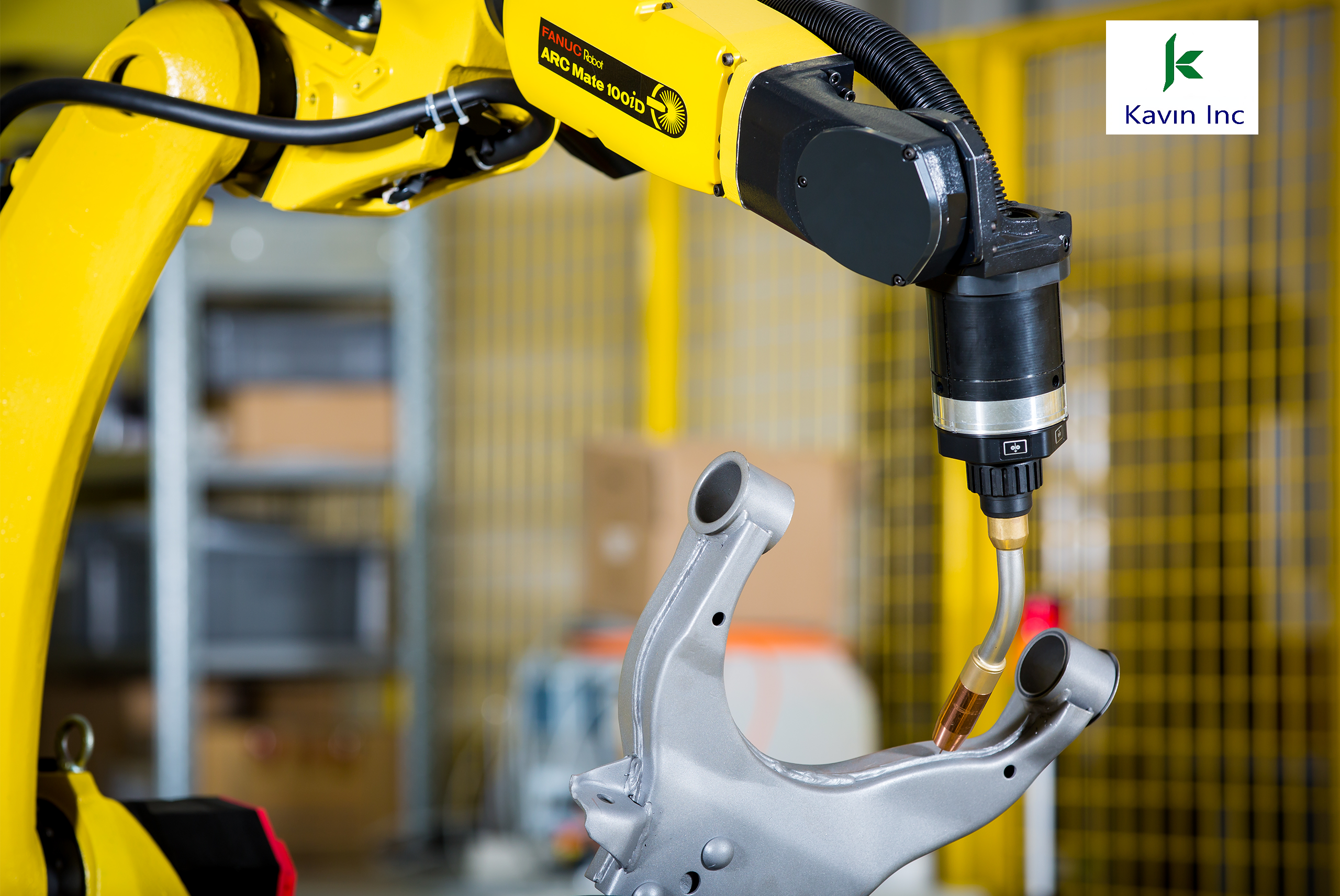
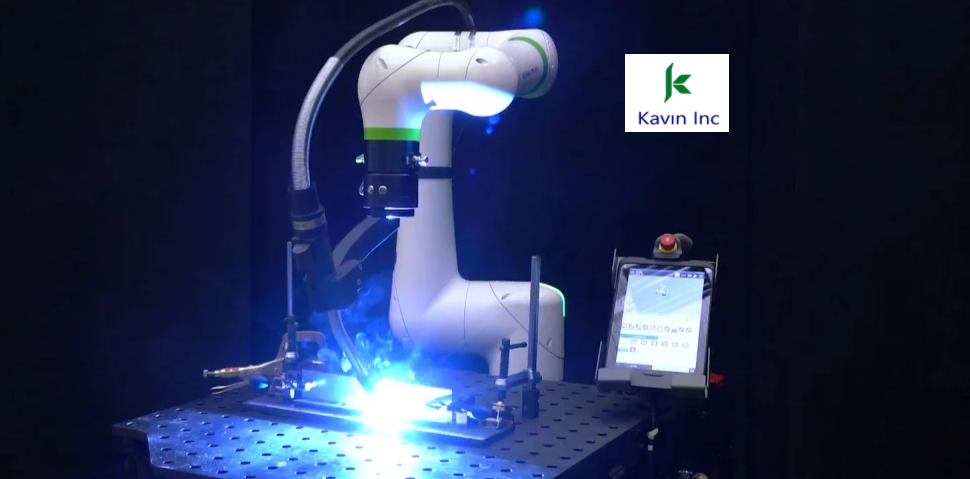
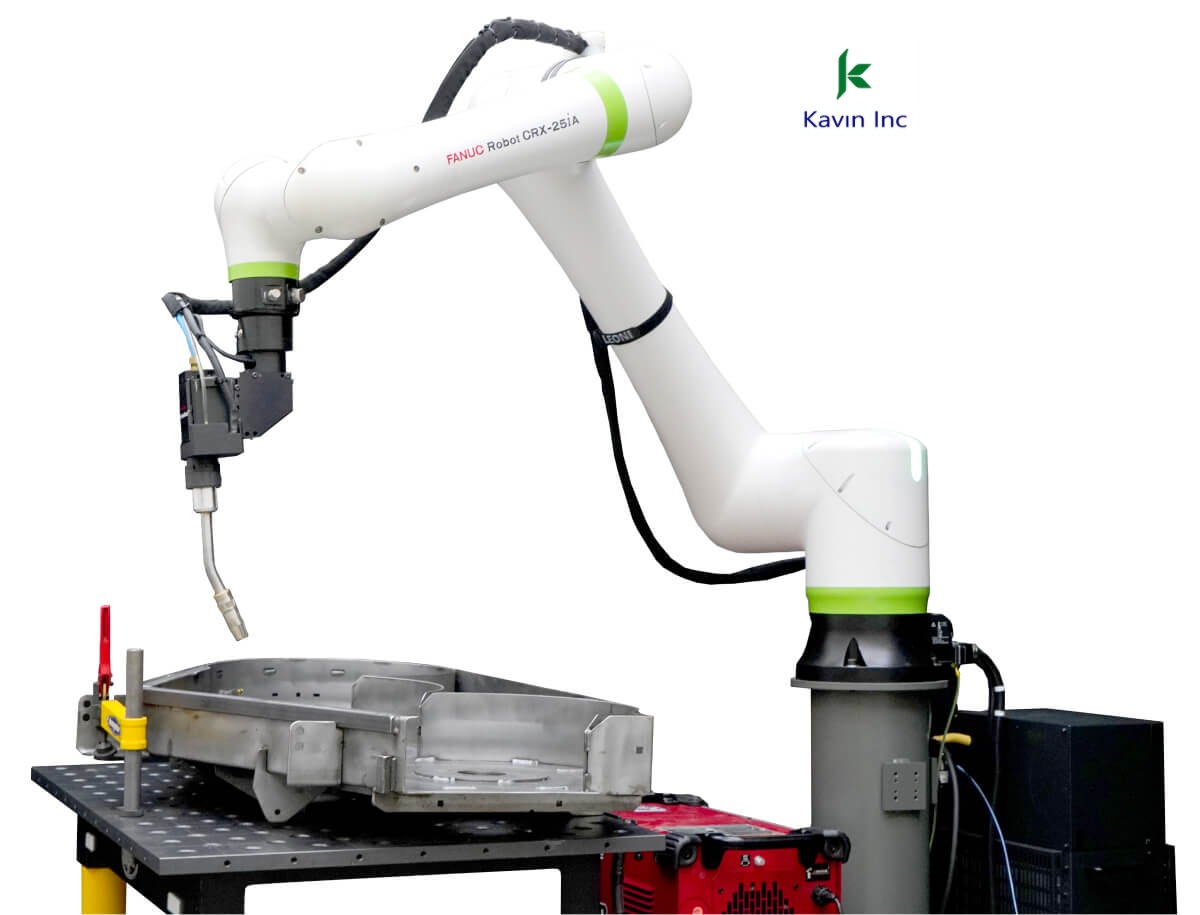
Robot placement, fixture height, torch access, and operator zones are checked before installation.
Weld points, approach moves, air moves, and path transitions are created and reviewed virtually.
Cycle flow, collision risk, reach limits, and repeatability requirements are reviewed before prove-out.
Create the workcell, place the FANUC robot, check fixture access, and preview the arc welding path.
Review motion points, tool center point, approach moves, weld starts, weld ends, and recovery positions.
The FANUC robot runs the checked path on the real fixture with fewer surprises during first weld trials.
Test robot location, part access, and fixture clearance before committing to the cell layout.
Prepare and refine welding points so physical prove-out starts from a cleaner baseline.
Review motion, backup programs, operator flow, and commissioning tasks with Kavin Inc support.